What is DigiLocker? A Step-by-Step Guide for Beginners (2026)
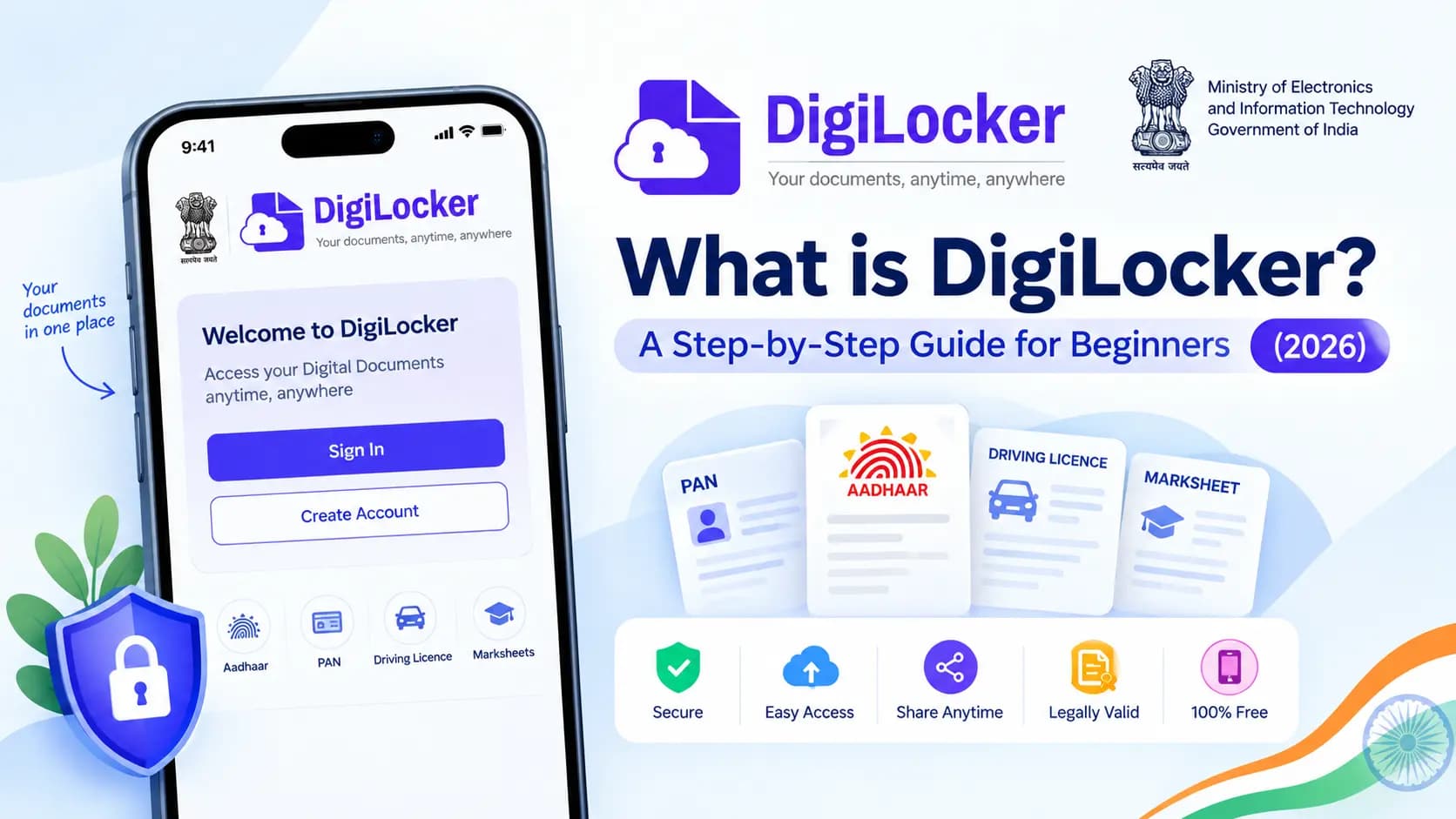
Imagine never needing to carry a physical Aadhaar card, driving licence, or mark sheet again — and still having them accepted anywhere, from a traffic stop to a college admission desk. That's exactly what DigiLocker was built to do, and over 80 million Indians are already using it this way.
If you've heard the name but never actually understood what it does or how to start using it, this guide walks you through everything — in plain, simple terms.
Table of Contents
What Is DigiLocker
DigiLocker is a cloud-based digital document wallet provided by the Government of India, developed by the Ministry of Electronics and Information Technology (MeitY) under the Digital India programme. Think of it as a secure, government-backed online locker where your official documents — Aadhaar, PAN card, driving licence, vehicle registration, academic certificates, and more — live in digital form, ready to be accessed or shared whenever you need them.
It was rolled out in beta in February 2015 and officially launched to the public on 1 July 2015 by Prime Minister Narendra Modi. Every account originally came with 100 MB of storage, which has since been increased to 1 GB, enough for a genuinely large stack of personal documents.
Why DigiLocker Actually Matters
The single most important fact about DigiLocker — one that surprises a lot of first-time users — is that documents issued through it aren't just convenient copies. In February 2017, the government notified specific rules under the IT Act confirming that a document issued to a DigiLocker account is legally at par with the original physical document. In practical terms, that means a driving licence shown from your DigiLocker app is treated exactly the same as the physical card in your wallet, and this is exactly why traffic police, banks, colleges, and government offices across India accept it.
Since 2022, DigiLocker has also been recognised as a core part of India's Digital Public Infrastructure (DPI), sitting alongside Aadhaar, UPI, eSign, and the Account Aggregator framework — the digital backbone many other government and private services are now built on top of.
How to Register on DigiLocker — Step by Step
- Step 1 — Download the app or visit the website: Get the DigiLocker app from the Play Store or App Store, or go to digilocker.gov.in on your browser.
- Step 2 — Tap Sign Up: Choose to create a new account using either your Aadhaar number or your mobile number.
- Step 3 — Enter your details: Provide your name, date of birth, gender, and mobile number as requested.
- Step 4 — Verify with OTP: An OTP will be sent to your registered mobile number. Enter it to confirm your identity.
- Step 5 — Set your security PIN:Create a 6-digit security PIN, which you'll use to access your documents going forward. Choose something memorable but not easily guessable, like a birthday or "123456".
- Step 6 — Link your Aadhaar (recommended):Linking Aadhaar unlocks the platform's full features, including automatic fetching of several documents directly from issuing authorities.
Once these steps are done, your account is ready, and you can start pulling in documents immediately.
What Documents Can You Store in DigiLocker
DigiLocker supports a wide range of government-issued and private documents, including Aadhaar card, PAN card, driving licence, vehicle registration certificate, birth and death certificates, academic mark sheets and degree certificates, insurance policy documents, and increasingly, health records linked through the Ayushman Bharat Digital Mission — including vaccination details and lab reports.
You can also upload your own scanned copies of documents that aren't issued directly through the platform, using your available storage space, and digitally sign them using the built-in eSign feature when needed.
Key Features of DigiLocker
Beyond just storage, DigiLocker is built around a handful of features that make it genuinely useful day to day, not just a place to dump files.
- Issued vs uploaded documents— DigiLocker separates documents into two types: "issued" documents pulled directly from the original government authority (like your driving licence from the transport department), and "uploaded" documents you scan and add yourself. Issued documents carry stronger legal weight since they come straight from the source.
- OTP and Aadhaar-based login — you can sign in using just your mobile number or Aadhaar with an OTP, no separate username or app-specific password required for daily access.
- Built-in eSign — documents can be digitally signed right inside the app, which is useful for forms, applications, and agreements that need a verified signature without printing anything.
- OCR-based document capture — newer versions of DigiLocker can scan a physical document and automatically pick out key details like your PAN, driving licence number, or UID, making it faster to fetch the verified digital copy.
- Secure sharing — documents can be shared digitally with banks, colleges, or government departments directly from the app, instead of photocopying or emailing scanned files.
- Health records integration — through the Ayushman Bharat Digital Mission, DigiLocker also stores personal health records, including vaccination certificates, prescriptions, and lab reports, in the same account as your other documents.
- 256-bit encryption and PKI-based security — all data is protected with strong encryption, and the platform is steadily adding Public Key Infrastructure (PKI) support using digital certificates, to strengthen authentication even further.
Real-Life Use Cases
DigiLocker isn't just a storage app — it's actively used in everyday situations across India. Students use it to submit mark sheets and degree certificates for college admissions. Drivers use it to show a valid driving licence and RC during traffic checks, without carrying the physical cards. Job seekers use it to instantly verify educational documents during hiring. And with UIDAI and other departments integrated, many KYC processes at banks and other institutions now accept DigiLocker documents directly.
Key Takeaways
- DigiLocker documents are legally equivalent to the physical originals under the IT Act (2017).
- It offers 1 GB of free storage to every Indian citizen.
- Aadhaar linkage is necessary to automatically pull verified documents.
- Traffic police, schools, and banks across India accept issued documents from DigiLocker.
- You can easily use built-in eSign for documents.
Conclusion
DigiLocker isn't just another government app — it's a legally backed, genuinely useful shift away from carrying physical documents everywhere. Setting it up takes about five minutes, and once your key documents are linked, situations like traffic checks, college admissions, or sudden document requests stop being stressful. If you haven't set it up yet, this is exactly the moment to start.
Related Guides:
Frequently Asked Questions
Ready to convert? Our main tool handles Unicode ↔ Shree Lipi with the same accuracy and speed — instantly in your browser.
Try Unicode ↔ Shree Lipi Converter