mAadhaar App Guide Updated: How to Use Aadhaar on Your Phone
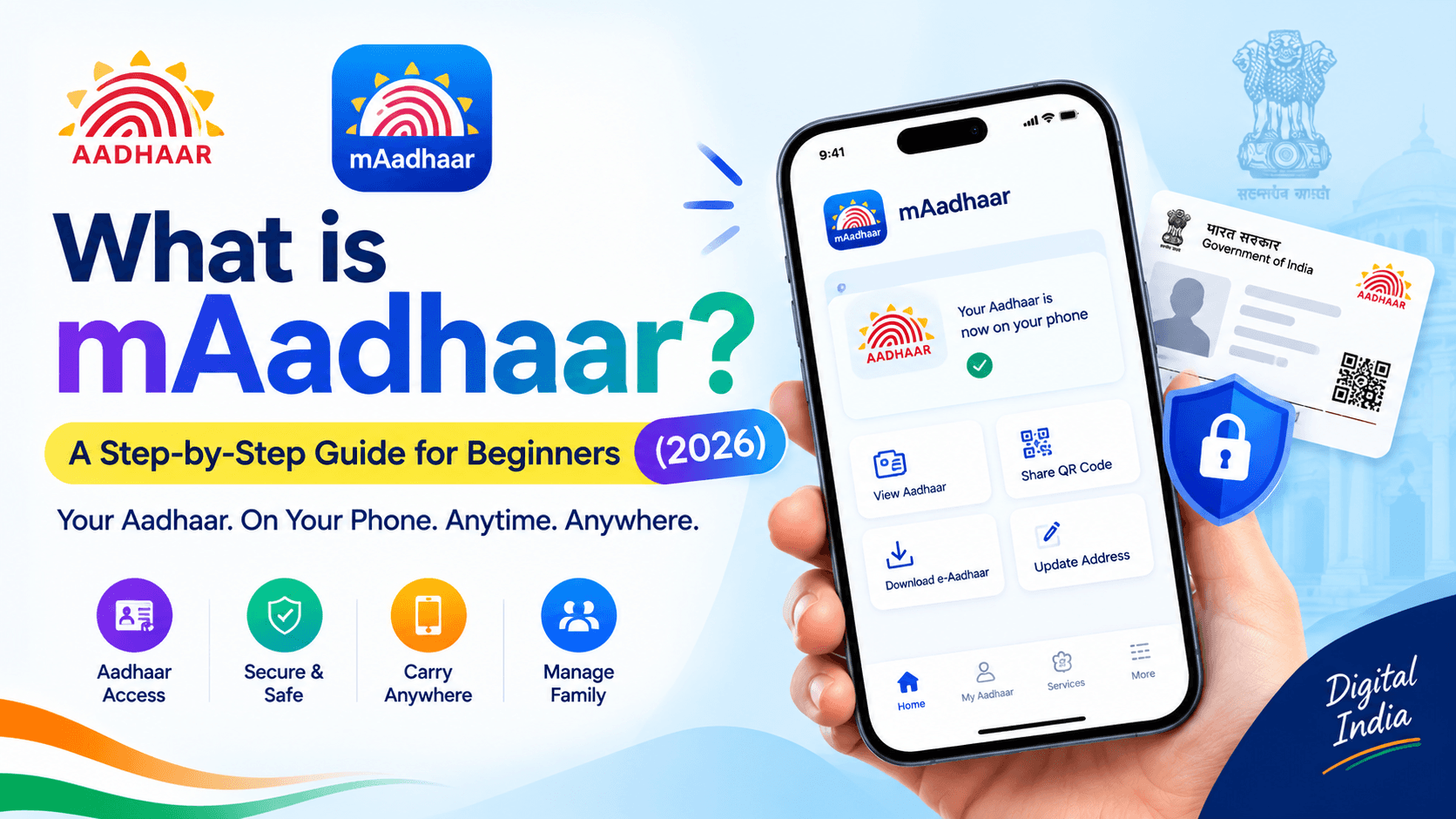
Standing in a queue with your physical Aadhaar card missing from your wallet is a familiar kind of panic for most Indians. The mAadhaar app exists specifically to end that panic — putting your entire Aadhaar identity, securely, on the one thing you almost never forget to carry: your phone.
A quick and important note before we go forward: in May 2026, UIDAI confirmed that mAadhaar is being phased out in favour of a new official Aadhaar App, which was launched in January 2026 and carries forward every mAadhaar feature while adding face authentication and a few upgrades. Both apps remain genuinely official UIDAI products, mAadhaar is still functional and widely used as of today, and everything in this guide applies directly to it — with a clear look at what the newer app changes, later in this article.
Table of Contents
- What is mAadhaar?
- Why Should You Download the mAadhaar App? (Key Benefits)
- How to Use mAadhaar Step-by-Step Guide
- Step-by-Step Guide: How to Download and Setup mAadhaar
- Top Security Features of Aadhaar App
- Other Useful Services Available in the App
- Pros & Cons
- Problem and Solution
- Conclusion
- Frequently Asked Questions
What is mAadhaar?
mAadhaar app is the official mobile application developed and maintained by UIDAI (Unique Identification Authority of India), built to let Aadhaar holders carry a verified digital version of their Aadhaar on their smartphone. Instead of a laminated card or a printed e-Aadhaar page, your identity lives securely inside the app, backed directly by UIDAI's Central Identities Data Repository (CIDR).
The app has been downloaded well over 100 million times from the Google Play Store, and it does far more than just display your Aadhaar number — it handles address updates, biometric security, identity sharing, and service tracking, all without a single visit to an enrolment centre for most everyday needs.
Why Should You Download the mAadhaar App? (Key Benefits)
Carrying Identity Proof Everywhere
mAadhaar is accepted as valid ID proof at airports and for train travel across India, and increasingly at hotels and service counters that support QR-based verification. You show your phone, not a photocopy.
Paperless and Convenient
No more searching for a photocopy shop before a bank appointment or government office visit. Your Aadhaar details, address, and QR code are all available instantly from your pocket, and can be shared digitally instead of handed over as paper.
Family Management
mAadhaar supports up to three Aadhaar profiles under a single registered mobile number, which makes it genuinely useful for families — parents managing a child's Aadhaar, or household members sharing one primary phone, without needing separate devices or accounts.
How to Use mAadhaar Step-by-Step Guide
Open the app and enter your 4-digit PIN (or use fingerprint/face unlock if enabled) to log in. From your profile screen, you can view your Aadhaar details, generate your sharable QR code, download a masked or full e-Aadhaar copy, and access the "My Aadhaar" menu for services like address updates.
To update your address, go to My Aadhaar, tap Update Aadhaar, fill in the new details, confirm, and pay the ₹50 update transaction fee to submit the request. To share your identity without handing over your phone or a photocopy, generate your QR code from the profile screen — it works offline and can be scanned directly by the verifying party.
Step-by-Step Guide: How to Download and Setup mAadhaar
Step 1 — Download the official app
Open the Google Play Store or Apple App Store and search for "mAadhaar" Confirm the publisher is listed as UIDAI before installing — this matters, since fake lookalike apps do circulate.
Step 2 — Set your app PIN
On first open, set a 4-digit numeric PIN. This protects access to the app itself, separate from any Aadhaar-level security.
Step 3 — Register your profile
Enter your Aadhaar number to begin registration.
Step 4 — Verify with OTP
An OTP will be sent to the mobile number registered with your Aadhaar. Enter it to confirm your identity.
Step 5 — Profile created
Once verified, your Aadhaar profile is created inside the app and ready to use. Repeat the registration step to add up to two more profiles under the same mobile number.
Top Security Features of Aadhaar App
Biometric Locking/Unlocking
This blocks fingerprint, iris, and face-based Aadhaar authentication until you choose to unlock it. Locking can take up to 6 hours to fully activate, and unlocking opens a short window, typically around 10 minutes, before your biometrics automatically re-lock themselves. This is one of the strongest defences against Aadhaar-linked banking fraud, since a locked biometric profile cannot be used for authentication even if someone has your fingerprint data.
Aadhaar Lock/Unlock
Different from biometric locking, this locks the Aadhaar number (UID) itself. While active, your actual Aadhaar number cannot be used for authentication at all — you'd need your Virtual ID (VID) instead, a 16-digit number that stands in for your Aadhaar number without exposing it.
TOTP (Time-Based One-Time Password)
Instead of waiting for an SMS OTP, mAadhaar can generate its own 8-digit TOTP code directly inside the app, refreshing every 30 seconds. This is especially useful when you're in a low-network area and can't reliably receive an SMS — you simply open the app and read off the current code wherever an OTP is required for Aadhaar services.
Other Useful Services Available in the App
- Locate Enrollment Centers: Finding the nearest Aadhaar Seva Kendra is built directly into the app, so you don't need to search separately or guess which centre handles your request.
- Order Aadhaar PVC Card: A durable plastic Aadhaar card can be ordered directly from the app for ₹50, including delivery, and typically arrives at your registered address within 2 to 3 weeks — genuinely more durable than a laminated paper card for daily use.
- Check Status: Any pending service request — an address update, a reprint request, or a PVC card order — can be tracked in real time from the app's status dashboard, so you're not left guessing whether a request went through.
Pros & Cons
Pros:
- No need to carry a physical Aadhaar card everywhere.
- Strong, genuinely useful security controls through biometric lock, UID lock, and Virtual ID.
- TOTP works even without mobile network signals.
- Supports up to three family profiles on one phone.
- Most common Aadhaar services are handled without visiting a centre.
Cons:
- Full functionality requires a registered mobile number — without it, most features are unavailable.
- mAadhaar itself is not accepted directly as Proof of Identity or Address for passport applications; the separate e-Aadhaar PDF is needed instead.
- Biometric lock activation isn't instant, which can catch users off guard right before they need it.
- The app is now being phased out in favour of UIDAI's newer Aadhaar App, so long-term reliance on mAadhaar specifically is no longer future-proof.
Problem and Solution
- Problem: Not receiving your OTP.
Solution: Check your network signal and confirm your SIM is active in the phone. If the issue continues, use the TOTP feature inside the app instead of waiting for an SMS. - Problem: "Mobile number not linked" error during registration.
Solution: Your Aadhaar isn't linked to the mobile number you're using. Visit your nearest Aadhaar Seva Kendra to update your registered mobile number, then try again. - Problem: App won't log in or keeps crashing.
Solution: Update the app to its latest version from the Play Store or App Store, then retry. If the problem persists, reinstall it. - Problem: Forgotten your 4-digit app PIN.
Solution: Most versions allow a reset through OTP verification on your registered mobile number directly from the login screen. - Problem: Confused about mAadhaar being discontinued.
Solution: Continue using mAadhaar for now if it's working for you, but plan to move to UIDAI's new Aadhaar App when convenient — it carries forward every mAadhaar feature and adds face authentication, so nothing you rely on today gets lost in the switch.
Conclusion
mAadhaar turned a decade-old habit of guarding a physical Aadhaar card into something you now carry, lock, and share entirely from your phone — QR sharing, biometric protection, TOTP, and PVC card ordering, all without a single trip to a government office for most routine needs. With UIDAI now steering users toward its newer Aadhaar App, the smartest move is simple: keep using mAadhaar if it's serving you well today, but don't wait too long to make the switch when you're ready — every feature you depend on carries over, with a few genuine upgrades besides.
Related Guides:
Frequently Asked Questions
Ready to convert? Our main tool handles Unicode ↔ Shree Lipi with the same accuracy and speed — instantly in your browser.
Try Unicode ↔ Shree Lipi Converter